Turn any old tablet or TV into a living ambient photo frame. No messy web dashboards, no logins, and no weird apps: you or your family simply send photos or notes to a Telegram chat and they project in seconds in your home, shop, or event.
«Sunset over the Alps after 4 hours of hiking 🏔️»
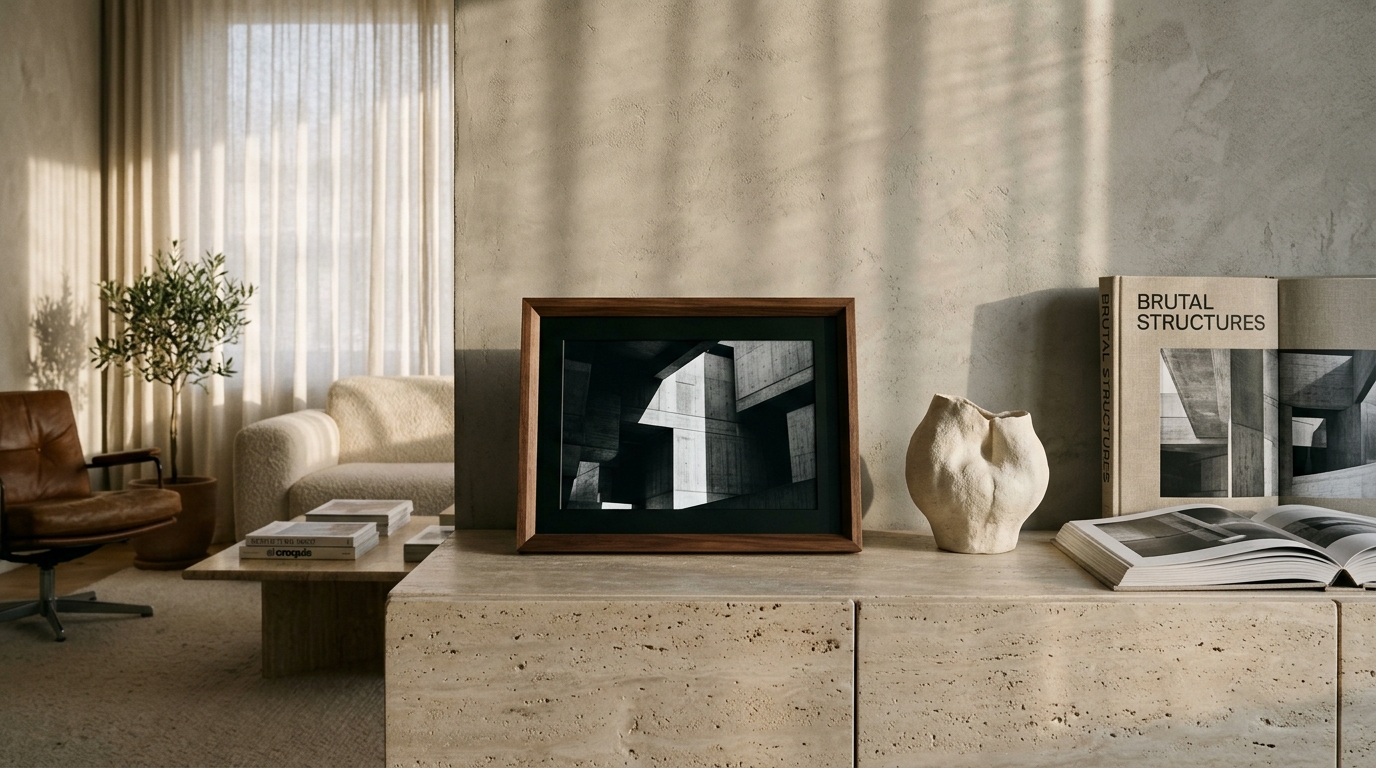
«Sunset over the Alps after 4 hours of hiking 🏔️»
On any old tablet, Smart TV, or TV Box. It displays a 4-letter code right on the screen.
Open @GramFrameAppBot in Telegram from your phone or add the bot to your family group.
Every photo or note you post to the chat displays on screen within seconds, with ambient clock and Ken Burns.
GramFrame doesn't restrict you to a single user account. You can link a display to your private chat or invite @GramFrameAppBot to any Telegram group so multiple friends, family members, or colleagues can publish live moments to the exact same screen:
Chat one-on-one with the bot. Perfect for your personal workspace, bedside table, or for managing retail screens on your own.
Add the bot to your family group. Grandparents keep the tablet in their living room, and children & grandchildren send photos from their phones across the world. Each photo attributes the sender.
Does your group have lots of memes or voice notes? With /filtro comando, only photos carrying the #marco tag or explicit commands are projected. With /filtro libre, everything flows through.
«Look at the birthday cake we made for grandpa!» 🎂
«I passed my driving test, grandma!» 🚗💨
/texto Arriving for lunch at 2:30 PM
GramFrame features two dedicated layers for text: elegant frosted caption pills over images, and giant full-screen typographic posters.
When you send a photo with text in Telegram, that caption is preserved: it appears superimposed in the bottom corner inside a sleek frosted-glass container with sender attribution.
«First beach day with baby Leo in Formentera 🏖️»
— Sent by Mom
With the /texto Your message command, your display becomes an eye-catching poster. Ideal for café specials, office boards, meeting reminders, or birthday greetings.
/texto ☕ Morning Special: Specialty Flat White + Sourdough Toast 3.50 € until 11 AM
Engineered for any environment with ultimate simplicity: complete control from Telegram without clunky web portals or complex training.
Kids and grandchildren send photos to the family Telegram group and the grandparents' tablet lights up instantly. Ambient clock, Ken Burns pan and OLED burn-in protection.
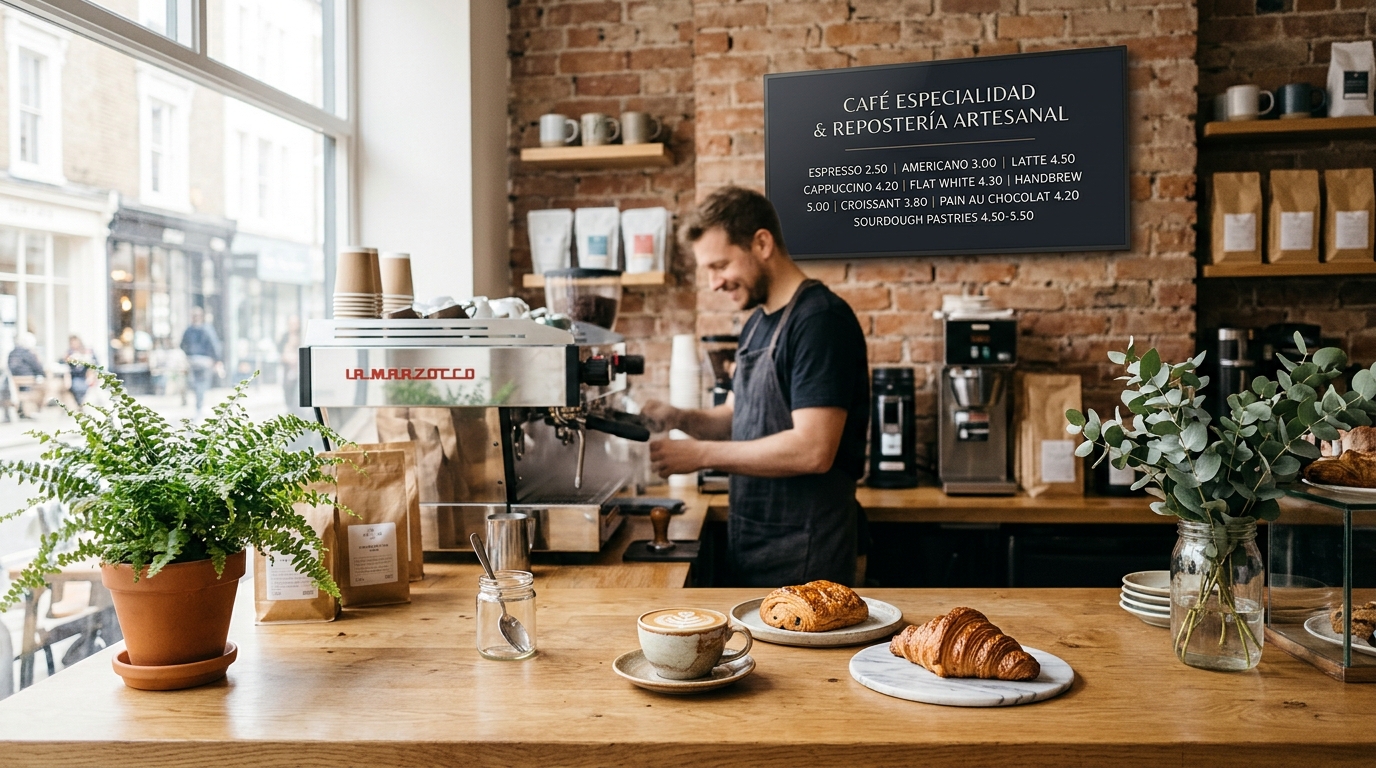
Update lunch specials or happy hours in 5 seconds with /texto or schedule automated switches at 13:30h with /programar.
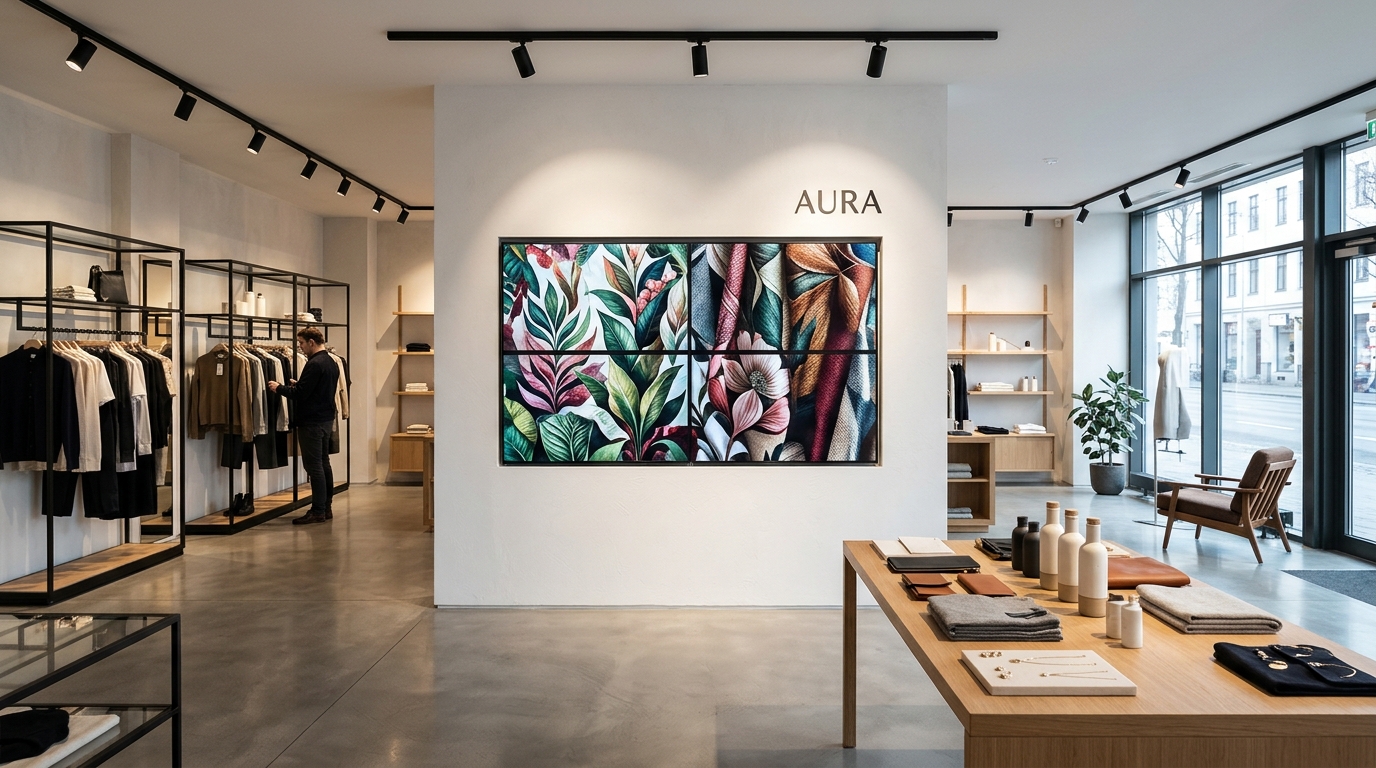
Tile 2x2, 3x3 matrices or vertical window pillars. Run lookbooks and seasonal sales campaigns without expensive HDMI matrices or bulky media players.

Start with /sesion iniciar. Participants post slides and whiteboard photos. When done, /acta exports formal PDF/Markdown minutes.
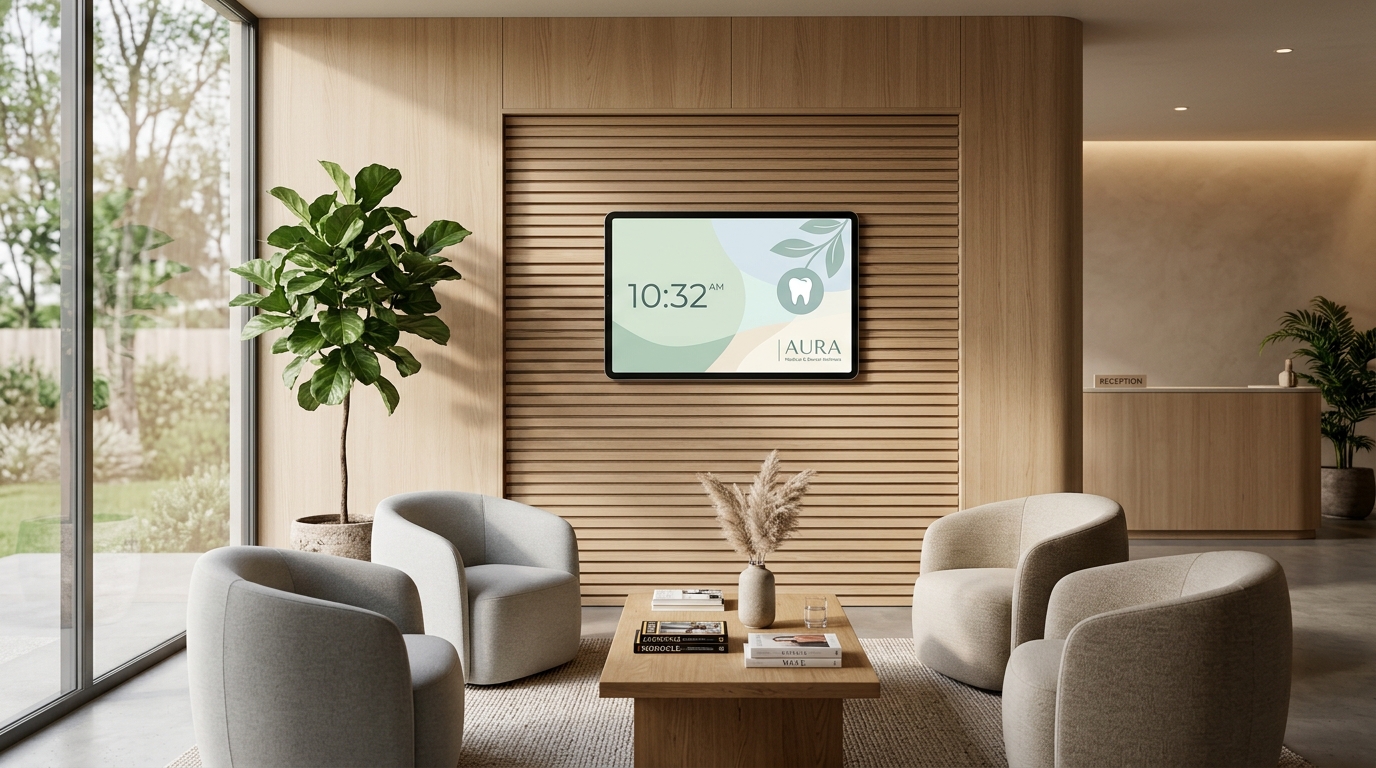
Display preventive health advice, treatment spotlights, promotions, and a soothing ambient clock. Reduce perceived wait times without invasive TV commercials.
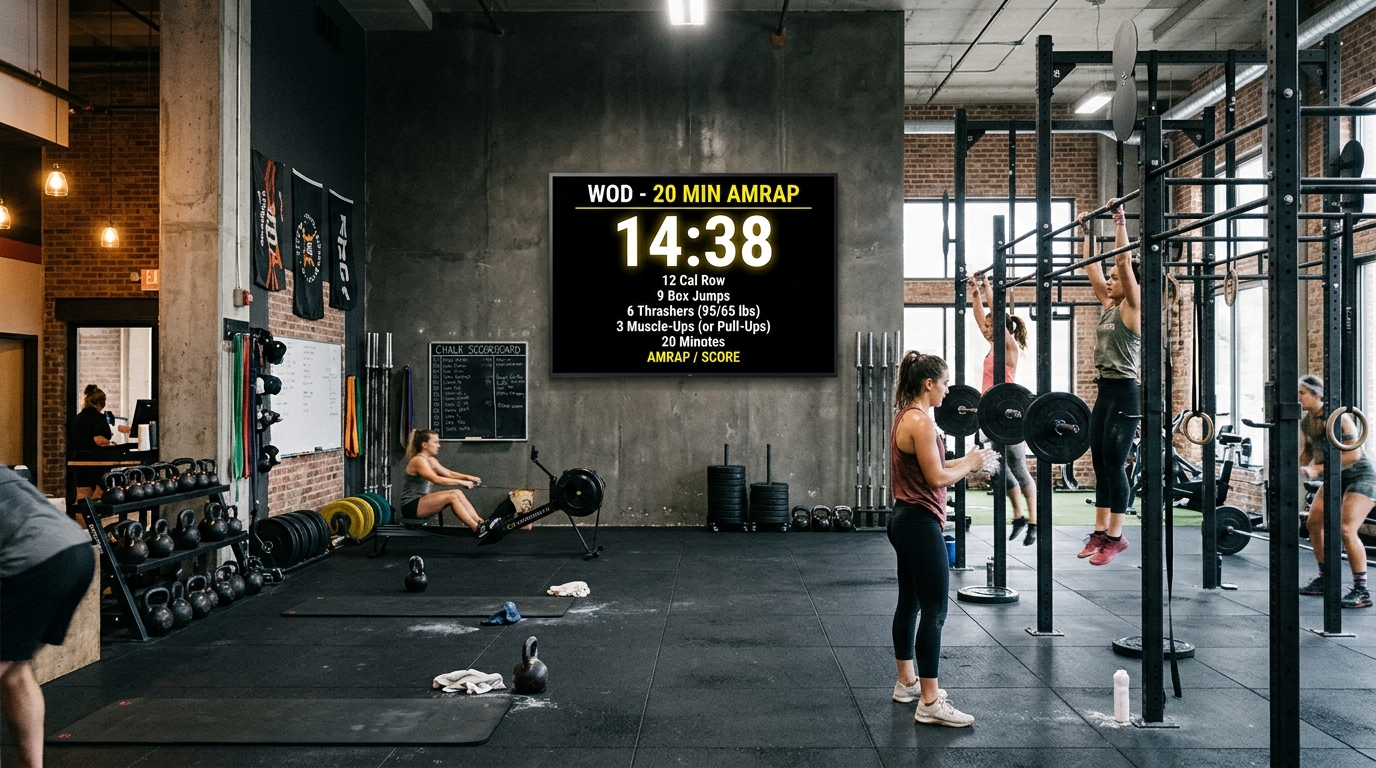
Coaches broadcast the Workout of the Day directly from their phones with /texto WOD 20min AMRAP, projecting it huge across the gym.
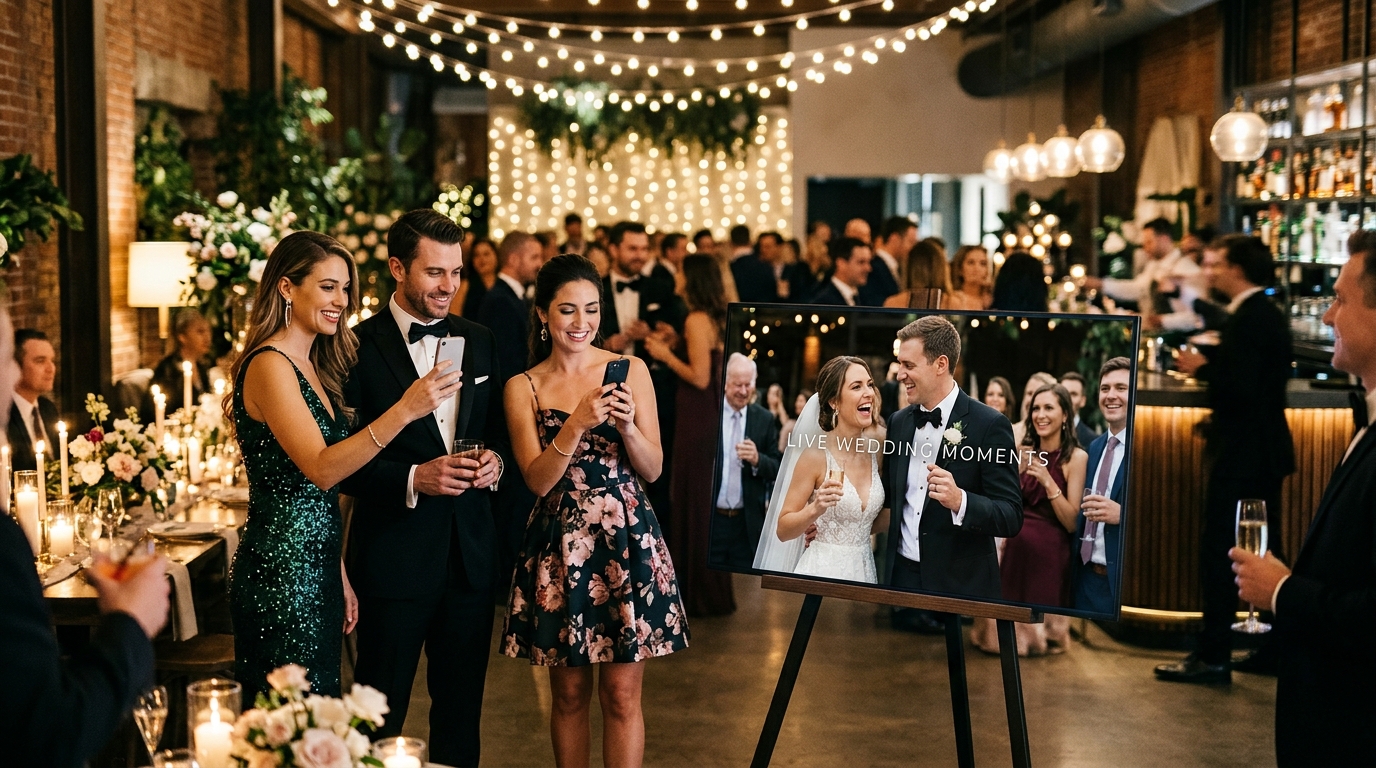
Guests scan a table QR code that joins the event's Telegram group. They post selfies and greetings during dinner, appearing live on screen with instant wishes.

Agents publish hot properties or "Just Sold!" banners on the go by sending photos with captions straight from site visits. Crisp 24/7 rotation.
No passwords or messy web portals. Control all your screens with interactive touch buttons and quick commands right in Telegram.
Opens an inline touchscreen menu to manage screens, videowalls, meetings, and global scenes with a single tap.
Start with /sesion iniciar [Title]. When finished, /acta compiles and delivers official minutes in PDF/Markdown.
Schedule announcements or menus that appear at specific times of the day (e.g. lunch menu at 13:30h, happy hour at 19:00h).
Instantly shift all screens together: noche, reunion, fiesta, or /apagar (blackout).
Generates a high-contrast, beautiful full-screen typographic announcement across displays.
Add #kitchen or #livingroom to photo captions or commands to target specific displays.
GramFrame never forces a rigid layout. Combine multiple screens into one giant synchronized visual wall, or place them across different rooms showing identical or fully customized content.
Tile 2, 4, 9 or more screens side by side (2x2, 3x3, 1x3 horizontal bar). The system slices high-res imagery across the grid with native GPU acceleration.
/videowall 2x2 0,0 Screen1/videowall 2x2 0,1 Screen2
Multiple tablets or TVs placed around the home (Living Room + Kitchen + Grandparents' Home). All connected to the same Telegram group.
/start PIN. Any sent photo broadcasts simultaneously to all.
Need to send a recipe solely to the Kitchen screen or a study reminder to the Bedroom? Use either of two easy routing methods:
Add #kitchen or #livingroom in the caption or /texto to target only that screen.
Create dedicated Telegram groups per room (e.g. "GramFrame Living" and "GramFrame Kitchen"). Each room stays isolated.
/texto Dinner is ready at 8 PM #kitchenTrip photo #livingroom
| Feature | Matrix Videowall | Multi-Room Mirroring | Independent Screens |
|---|---|---|---|
| Physical Layout | Tiled in grid (2x2, 3x3, 1x3) | Different rooms / locations | Different rooms / locations |
| Displayed Visual | 1 giant cropped & synchronized image | Exact same full image on all | Different content per room |
| Telegram Control | /videowall 2x2 0,0 Screen1 |
Send normal photo to group | With #kitchen tag or separate groups |
| Synchronization | Strict Epoch UTC (identical ms phase) | Simultaneous WebSocket broadcast | Autonomous per screen |
| Pricing / License | 4.99 € one-time per physical screen | 4.99 € one-time per physical screen | 4.99 € one-time per physical screen |
Software you buy once and own for life. Start 100% free with live Telegram connectivity, and upgrade to Pro whenever you need for a one-time 4.99 € payment.
Experience live Telegram pairing on your tablet. Perfect for single frames and basic family sharing without cost.
Unlock total freedom with unlimited memories, synchronized matrix videowalls, and advanced business features.
We are preparing our Google Play Store launch and looking for users with Android tablets (old or new), Smart TVs, and TV Boxes to test the app for 14 days. In return, you receive a 100% free lifetime license for all your displays.
Receive the special tester code to unlock all features via Telegram without paying the €4.99 per-screen license.
Download the official app via Google Play Closed Testing track with automatic updates and priority support.
Direct communication with the core engineering team to request features, AI integrations, or transitions.
Enter your Google Play / Gmail account and select the device where you plan to install GramFrame.
We registered your email . You will receive the invitation to the Google Play closed testing track as soon as verification completes.
TESTER2026
7K2B) and pair it in Telegram bot.
/canjear TESTER2026 to unlock lifetime access.
Radical transparency: how it works, why we chose Telegram, and why you will never pay monthly subscriptions.
The direct answer: Because WhatsApp charges for every single message and would force you into mandatory monthly subscriptions.
Meta (WhatsApp's parent company) requires businesses to use the official WhatsApp Business Cloud API, which charges per conversation session and message (between 3 and 8 euro cents per session). If GramFrame ran on WhatsApp, we would have to charge you a recurring monthly subscription of €10 to €20 every month, or sell annoying «photo credit bundles», like other legacy digital frames do.
No, zero registrations and no web dashboards. You never have to fill out forms, enter your email, or memorize another password.
When you open the app on your tablet or TV, you will see a 4-letter code on screen. Open @GramFrameAppBot in your regular Telegram, type that code, and your screen is paired in 30 seconds. Your Telegram chat is your remote control.
Yes, as many people as you want. Use the bot in a private 1-on-1 chat or add it to any Telegram group (such as «The Smith Family» or «Laura & Dani's Wedding»).
Every member of the group can send photos or notes that project live on the screen. If you only want certain photos to show, enable the hashtag filter mode (e.g. only photos containing #family or #wedding).
Virtually any screen you have available:
/frame.html), you can run GramFrame on any iPad, laptop, secondary monitor, Raspberry Pi, or Smart TV (Samsung Tizen, LG webOS).Zero black screens and zero maintenance for your elders or storefront. GramFrame is built from the ground up for 100% unattended, fault-tolerant operation:
/pantallas command. You will immediately know if your family or retail screen is 🟢 Connected or ⚪ Disconnected.GramFrame is engineered specifically for uninterrupted 24/7 continuous operation:
Zero fine print, zero subscriptions. GramFrame includes a permanent Free version (100% free forever) that lets you pair your tablet with Telegram and display up to 5 active memories (photos, videos, or notes) with Ken Burns rotation and tap-to-love ❤️ reactions. You can rotate and replace memories as many times as you like at no cost.
If you want to remove the 5-item cap and unlock unlimited memories, synchronized matrix videowalls, hourly scheduling (/programar), and bulk ZIP archive uploads, you can upgrade to the Pro License for 4.99 € (one-time lifetime payment) per screen. No recurring monthly fees ever. If you upgrade to a new tablet, your license is easily transferable.
Yes! Using the /text command.
Send in Telegram: /text Special of the Day: Seafood Risotto or /text Happy Birthday Mom! ❤️ and the display instantly generates a bold typographic slide with clean, modern layout.
Place multiple screens side-by-side and send /videowall 2x2. Each screen mathematically calculates its quadrant (top-left, top-right, etc.).
Screens sync in microseconds over the network to render one seamless panoramic photo or video without needing expensive HDMI splitters.
Our official Telegram support bot is available 24/7.
Choose your platform. The app download includes trial mode and activation is handled directly via Telegram.
For Android tablets & Smart TVs (Android 8.0 and above). 6.7 MB.
Coming soon to the official store with one-tap install and in-app activation.
Works on Fire TV, Xiaomi Box, and HDMI dongles to turn any TV into a wall frame or videowall.